
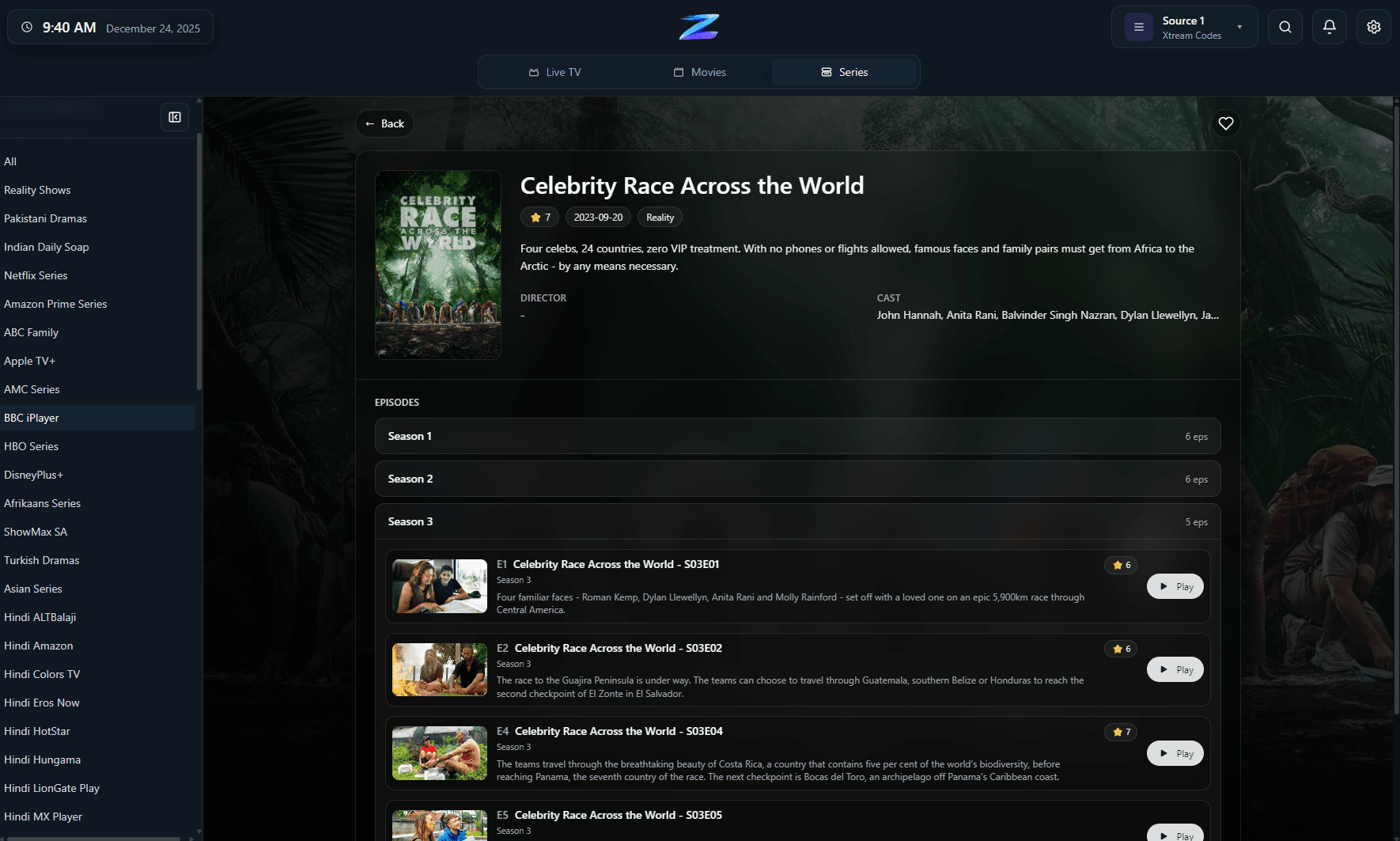
Portal-backed content in a cleaner browsing flow
Once the source is connected, the app still focuses on browseability, progress tracking, and keeping content practical to use.
IPTV Player Zero supports Stalker and MAC Portal sources for users whose provider still relies on a portal-style workflow. That matters because portal-based setups often behave differently from M3U and Xtream sources, and the useful question is not only whether the app can connect, but how well it can surface the returned channels, guide data, and playback behavior once the portal responds.
The app connects to your own portal source. It does not provide portal credentials, MAC identities, or streams.
Once the source is connected, the app still focuses on browseability, progress tracking, and keeping content practical to use.
Compatibility
A quick factual summary of platforms, source support, guide behavior, and the player-only boundaries.
Platforms
Windows and macOS.
Connection type
Stalker and MAC Portal sources.
EPG behavior
Guide availability depends on the portal and the data it actually returns.
Recording
Record live TV on supported sources.
Downloads
Download movies and series in supported scenarios.
Parental controls
4-digit PIN plus optional keyword filtering.
Player-only scope
The app does not provide channels, playlists, or subscriptions.
Details
Stalker and MAC Portal setups can require more provider-specific behavior than plain playlists, which is why understanding the source type matters.
Even with a portal source, the goal is not only to authenticate. The product still needs to be practical for browsing and repeat use.
Portal issues are often hard to reason about from a user interface alone, which is where a diagnostics surface becomes more valuable.
FAQ
Yes. Stalker and MAC Portal sources are supported alongside M3U/M3U8 and Xtream Codes.
Not always. Portal-based sources can behave differently and the returned data quality depends heavily on the provider implementation.
IPTV Zero Diagnostics is useful when you need to inspect portal request paths, responses, and stream behavior in more detail.
Related pages
Use these follow-on pages to compare source types, understand guide behavior, or move into the right product surface.
Compare IPTV Player Zero with Nightmare TV, TiviMate, IPTV Smarters Pro and MyIPTV Player using numbered official sources.
Open page
A practical comparison of the three common IPTV connection types and when each one makes sense.
Open page
Inspect Xtream, M3U, and Stalker request flows, returned data, and stream behavior with a dedicated diagnostics app.
Open page
Contact support with the right context for setup, playback, licensing, and app behavior questions.
Open page