Windows
Standalone installer with the latest published stable release from the updater service.
IPTV Player Zero helps you move from playlist setup to live viewing, guide browsing, recordings, downloads, and VOD playback without friction.
IPTV Player Zero is a player only. You provide playlists and provider data. Some streams may fail due to provider restrictions, unsupported formats, or DRM.
Windows + Apple (MacOS)
Available platforms
Record + Download
Built-in actions
EPG + VOD
Unified experience
Now previewing
Live TV Experience

Guide
EPG from your Xtream provider, or bring your own
VOD
Movies and series with auto-next and progress memory
Direct download
Built-in updater included
Start with the installer for your device, then let the built-in updater keep you up-to-date with the latest fixes and improvements.
Standalone installer with the latest published stable release from the updater service.
Feature map
These are the core capabilities across playlists, guide tools, live playback, VOD controls, customization, and parental control.
Flexible source support so you can load exactly what you already use.
Live viewing tools designed for quick control during real-world use.
Everything needed for movie and series libraries in one flow.
Quick ways to keep large libraries manageable and easy to browse.
Built-in controls for shared environments and family devices.
A clean interface with deep personalization when you want it.
Related pages
These focused pages target the questions people usually ask before choosing an IPTV player or deciding which connection method to use.
A focused page on running M3U, Xtream Codes, and Stalker playlists on Windows with guide, VOD, and recording tools.
Open page
Learn how IPTV Player Zero fits Mac users who want one desktop app for live TV, guide browsing, and VOD.
Open page
Why Xtream is usually the richest source type for guide, category, movie, and series data in IPTV Player Zero.
Open page
How IPTV Player Zero handles M3U and M3U8 playlists, guide setup, and day-to-day channel browsing.
Open page
Understand Stalker compatibility, playlist setup expectations, and how the app fits portal-based IPTV sources.
Open page
A practical comparison of the three common IPTV connection types and when each one makes sense.
Open page
Product tour
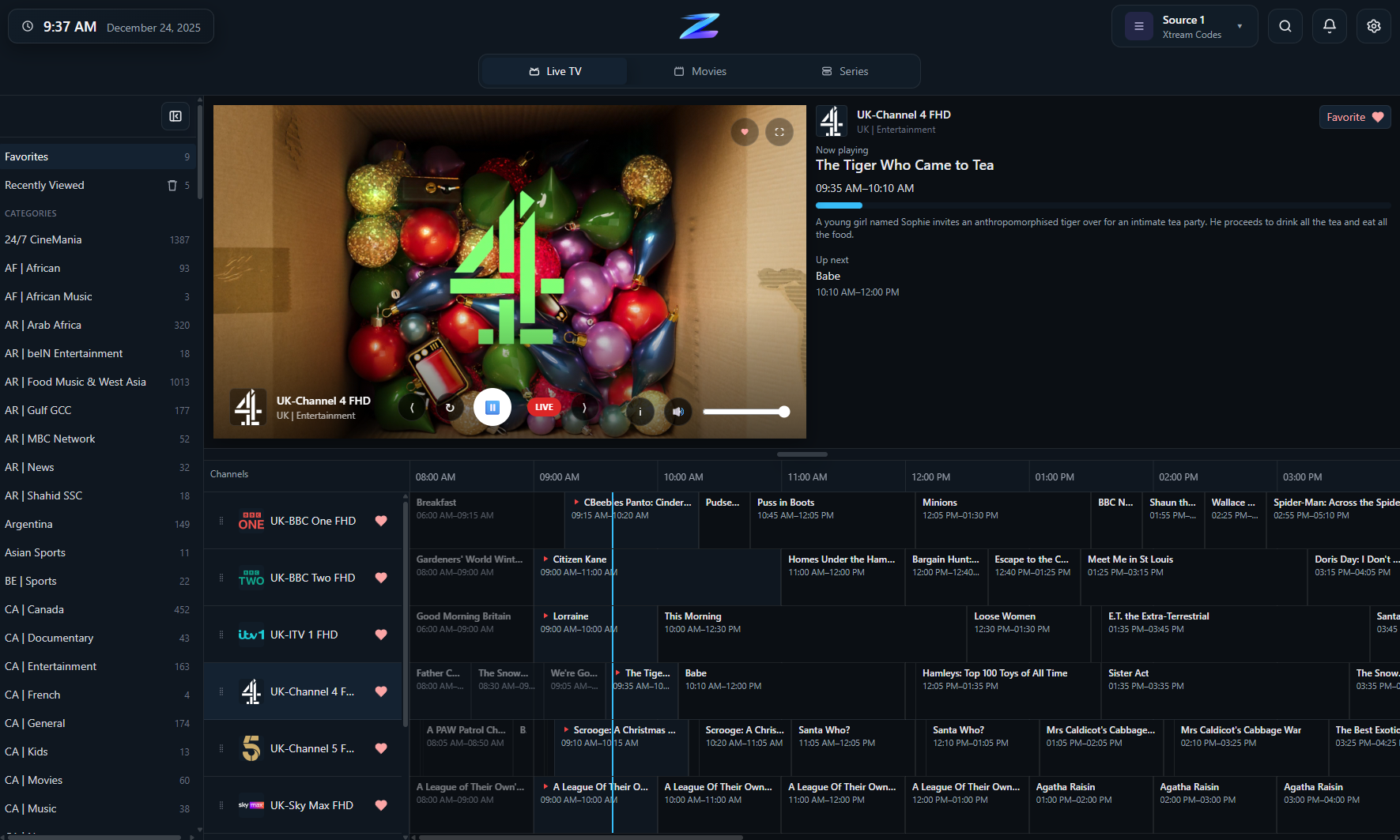
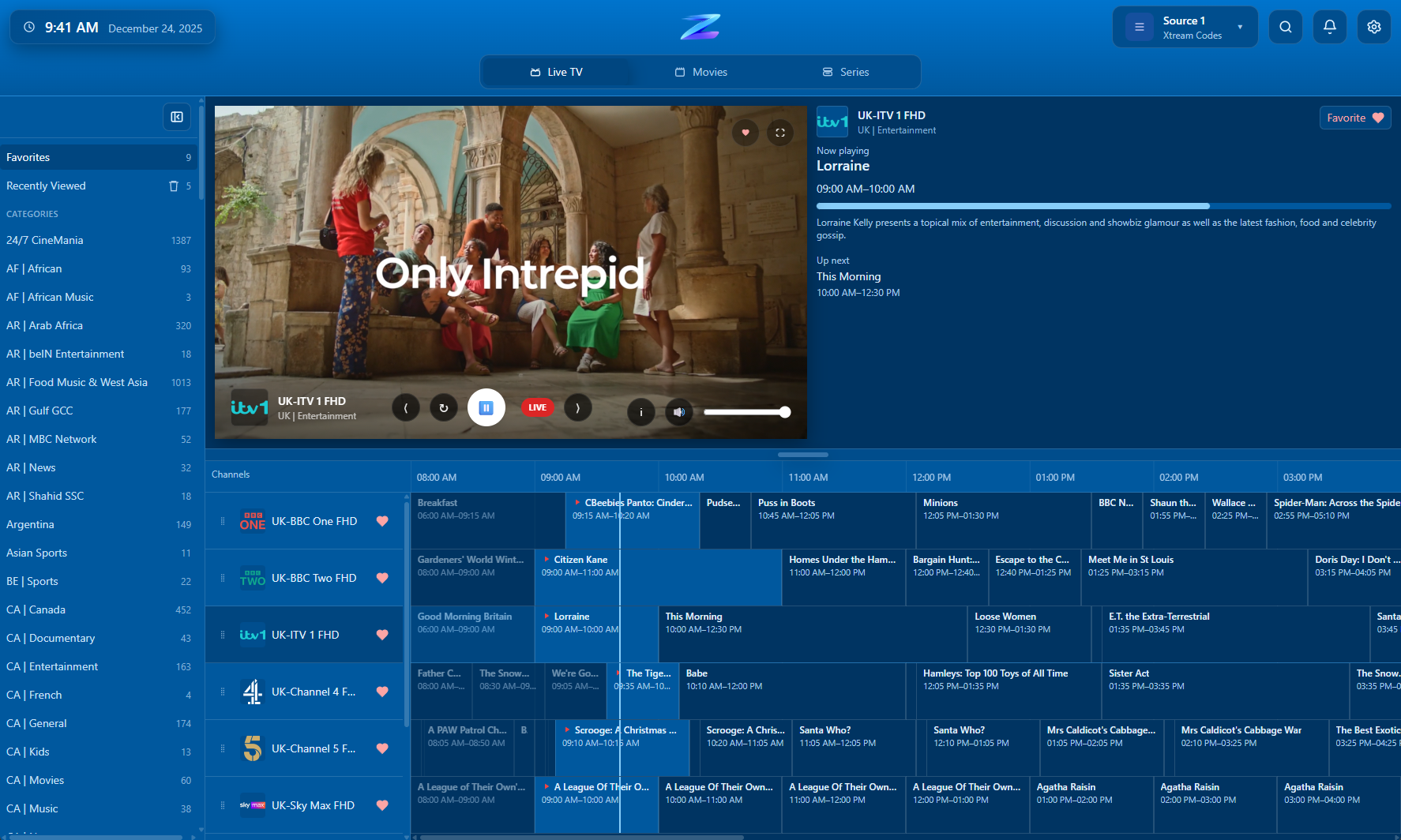
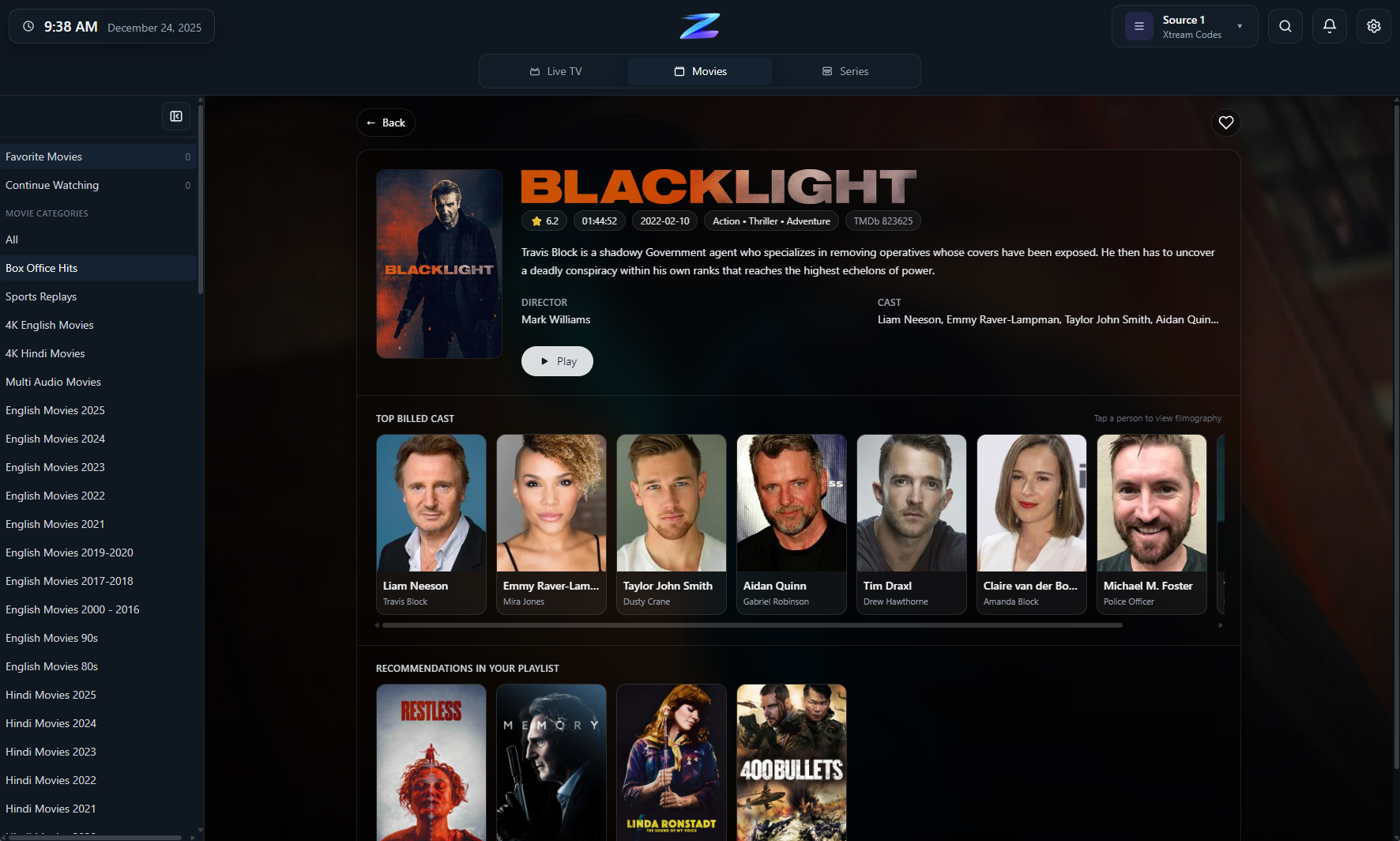
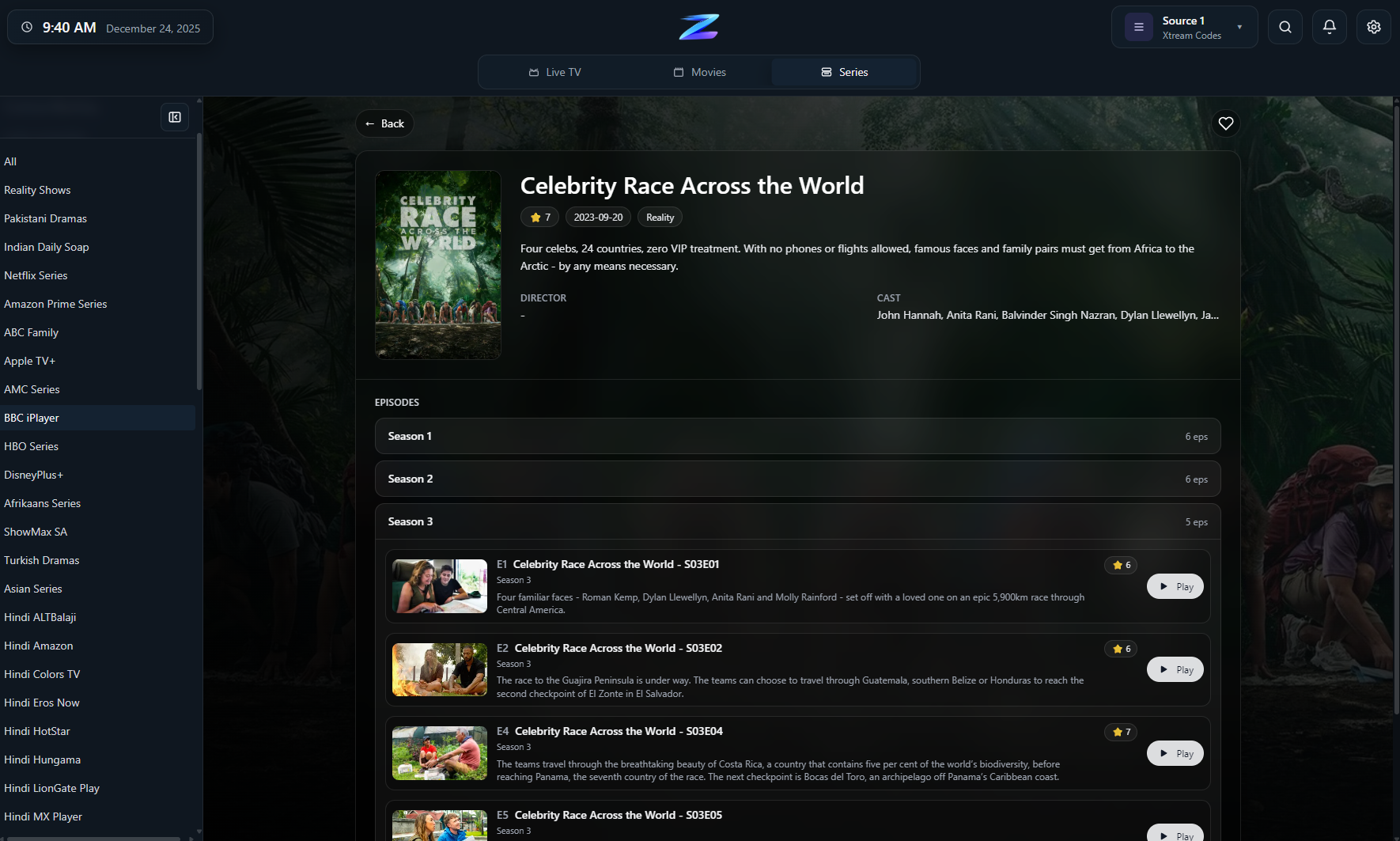
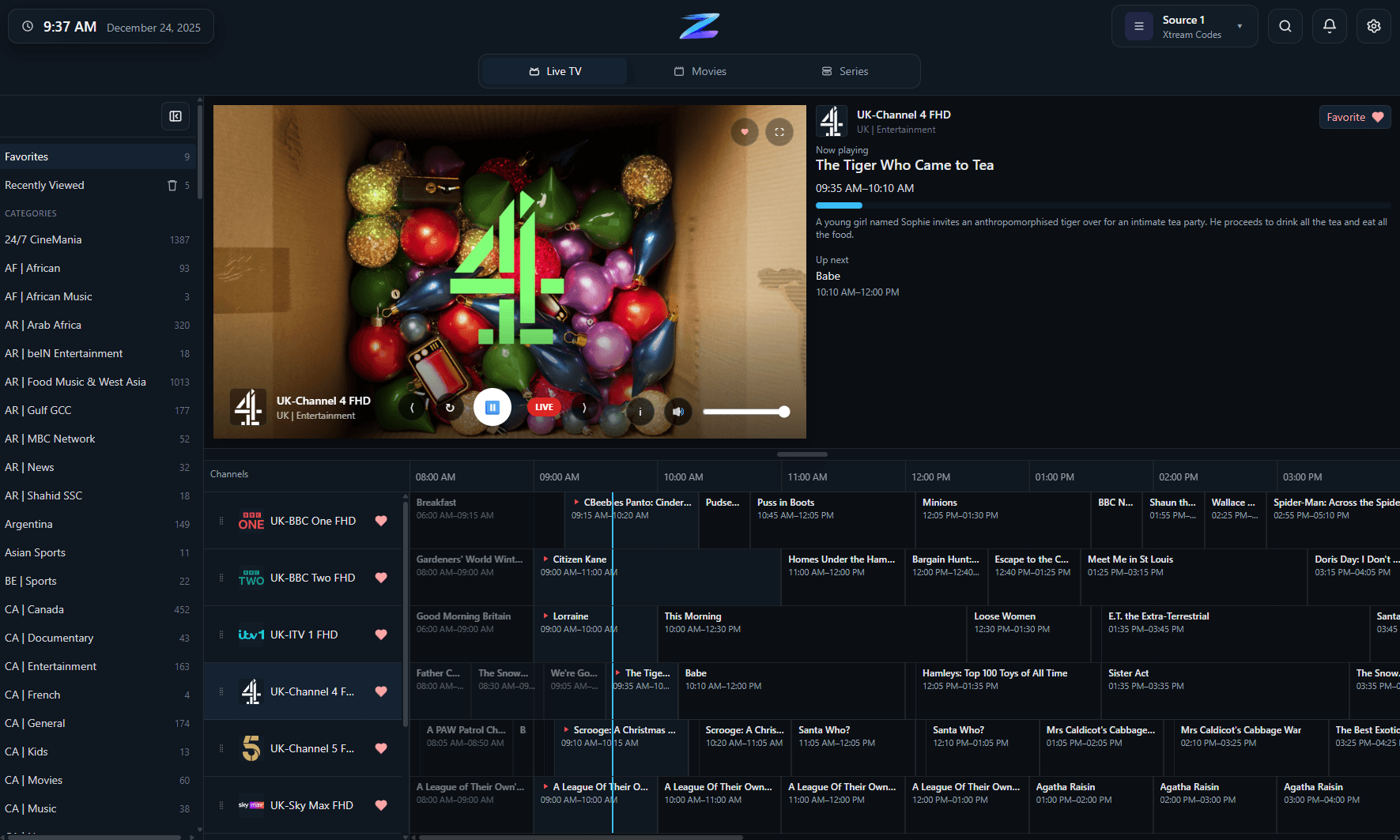
Preview the live channel view, guide timeline, VOD libraries, and detail pages.

Fast channel switching with categories, favorites, and recently viewed channels.

Timeline browsing with a clear now marker, quick time navigation, and reminder actions.

Minimal playback controls that keep stream actions and info close without clutter.

Poster-led category browsing designed for fast scanning and immediate playback.

Detailed metadata with direct play, favorite, and download actions.

Episode navigation with auto-next and progress memory for continue watching.
User reviews
Real user feedback from people using IPTV Player Zero every day.
"Outstanding - With every update this app gets better and better"
- Dan
Setup flow
01
Bring your own playlist with M3U/M3U8 (local file or URL), Xtream Codes, or Stalker/MAC Portal sources.
02
Use EPG from your Xtream provider (where available), then apply EPG offset if you need to align schedule times.
03
Move between Live TV and VOD with favorites, reminders, progress tracking, downloads, and fast search.
FAQ
No. IPTV Player Zero is a player-only app and does not provide channels, playlists, or stream URLs.
M3U/M3U8 (local file or URL), Xtream Codes, and Stalker/MAC Portal.
EPG data can come from your Xtream provider (where available), and you can use EPG offset to align guide times.
Yes. You can record Live TV and download Movies/Series in supported scenarios.
IPTV Player Zero is available on Windows and Apple platforms. Use the store links for current availability.
Ready to launch
Choose your platform and run your own playlists with full control across Live TV, guide, and VOD.